
Website Audits Taking Forever? How to Cut the Time with Lasso
Parry Gill · Mar 11, 2025 · 6 min read

Nobody enjoys a website audit. You find out useful things, sure. But ask anyone who runs them what slows them down and you'll rarely hear "finding the problems". It's the week of screenshotting, scribbling, copying URLs into a spreadsheet and trying to explain to a developer which "weird text" you meant.
It doesn't matter much who's doing it. The UX designer pixel-peeping, the developer hunting bugs, the marketer checking messaging, the SEO person going through headings and alt text, the QA tester working down a checklist. Everyone ends up wading through the same mess.
Where the time actually goes
Most audit time isn't spent finding problems. It's spent writing them down.
You capture screen after screen and draw boxes on each one. Then the notes get split across a spreadsheet, a Google Doc, three Slack threads and somebody's inbox, and pulling them back together takes longer than the audit did. "Fix the button" turns into four rounds of "which button?" A developer pushes an update halfway through, so half your screenshots now show a page that no longer exists. And every issue still has to be retyped into Asana or Jira with a link and an attachment.
When it's done, try answering a simple question like "what's still open on the pricing page?" Somewhere there's a spreadsheet with a tab called "audit FINAL (2)", and nobody is quite sure it's the real one.
Doing the audit on the page itself
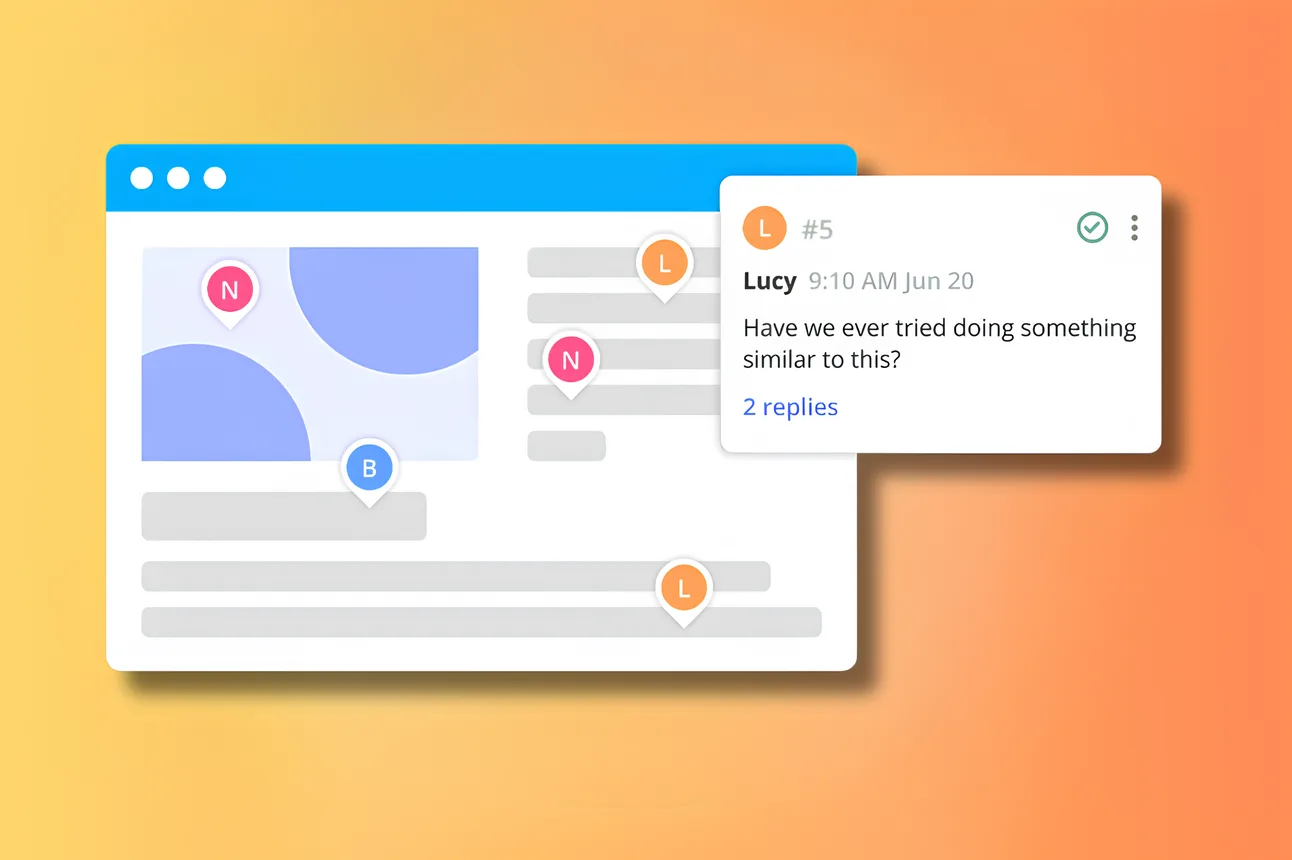
Lasso is a Chrome extension for leaving comments directly on a website. Instead of describing a problem from a distance, you click on it and type. The comment stays pinned to that element, so whoever picks it up sees exactly what you meant, on the real page.

Game changer for our team!! Screenshots, annotations, sharing feedback, it used to be such a pain, but Lasso totally streamlined everything! Way less buggy, and I could actually purchase the Pro version right away!
James C.
Here's how that changes an audit.
You stop taking screenshots
Click the broken image, the off-brand button, the confusing sentence or the odd number on a dashboard, and leave your note. Lasso grabs a screenshot of that spot on its own, so there's proof of what it looked like even if the page changes tomorrow. If the layout shifts a little, the comment stays with its element.
Findings sort themselves into collections
Collections are how you keep an audit tidy. Some teams make one per audit type, like usability, content, SEO and bugs. Others go by severity, with "fix before launch" and "nice to have". You can also make a collection for one team only, or one per round, so the second pass doesn't get mixed up with the first.
All of them can sit on the same pages at once, and each has its own access.
One place to see what's done
The library shows every page that has comments, with a thumbnail, recent activity and search. When someone asks what's left on the pricing page, you open it and look. That also makes it handy for regression checks later, when you want to know whether an old bug came back.
Handing issues to the right people
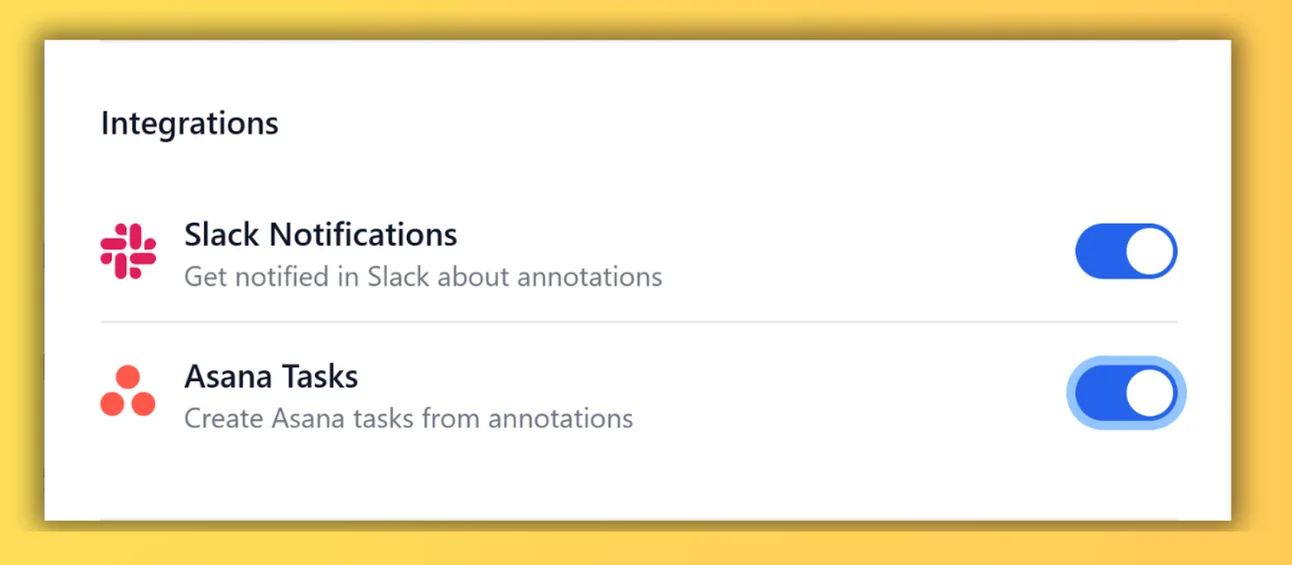
Mention a teammate with @ and they're notified right away, in Lasso or in Slack. Connect Asana and a comment becomes a task with the comment, link and screenshot filled in, which is a lot faster than writing tickets by hand.
Every role gets something out of it
Designers can point at inconsistent spacing, low-contrast text or a confusing flow right on the interface. Developers and QA get bugs with the exact location and a screenshot attached, and they can check the fix on the same page afterwards. Marketers and content folks flag stale copy, typos and broken links where they find them. SEO specialists note missing alt text or messy heading structure on the rendered page rather than in a spreadsheet. And project leads can skim one collection to see the scope without digging through anyone's notes.
What gets better
There's no trick to it. The time comes back because the boring parts disappear. Nobody spends an afternoon on screenshots. People stop asking "what did you mean?" because the comment sits on the thing it's about. Feedback is already grouped by page and collection, so there's nothing to merge at the end. Tickets come from comments in a couple of clicks. And because everyone sees the same live comments, two people rarely report the same bug.
Is it hard to roll out?
Not really. If you can leave a comment online, you can use Lasso. It's a Chrome extension, so it works on whatever site you're auditing with nothing to install there, and it plugs into Slack and Asana instead of replacing them. Start on the free plan, or use the 14-day Studio trial for team features, no card needed.
Making website changes is way easier now that my team and I can all collaborate right on the live webpage! We are never going back to fussing with screenshots, docs and slides or key info getting lost in chats.
Roxanne Pomerantz
Run your next audit with it
Install the extension, open the site you're auditing, and leave your first few comments where the problems actually are. Then compare how long the write-up takes with last time. We suspect the spreadsheet won't be missed.
Install the Lasso Chrome extension · Sign up and try Lasso for free