01
Works on sites you don’t own
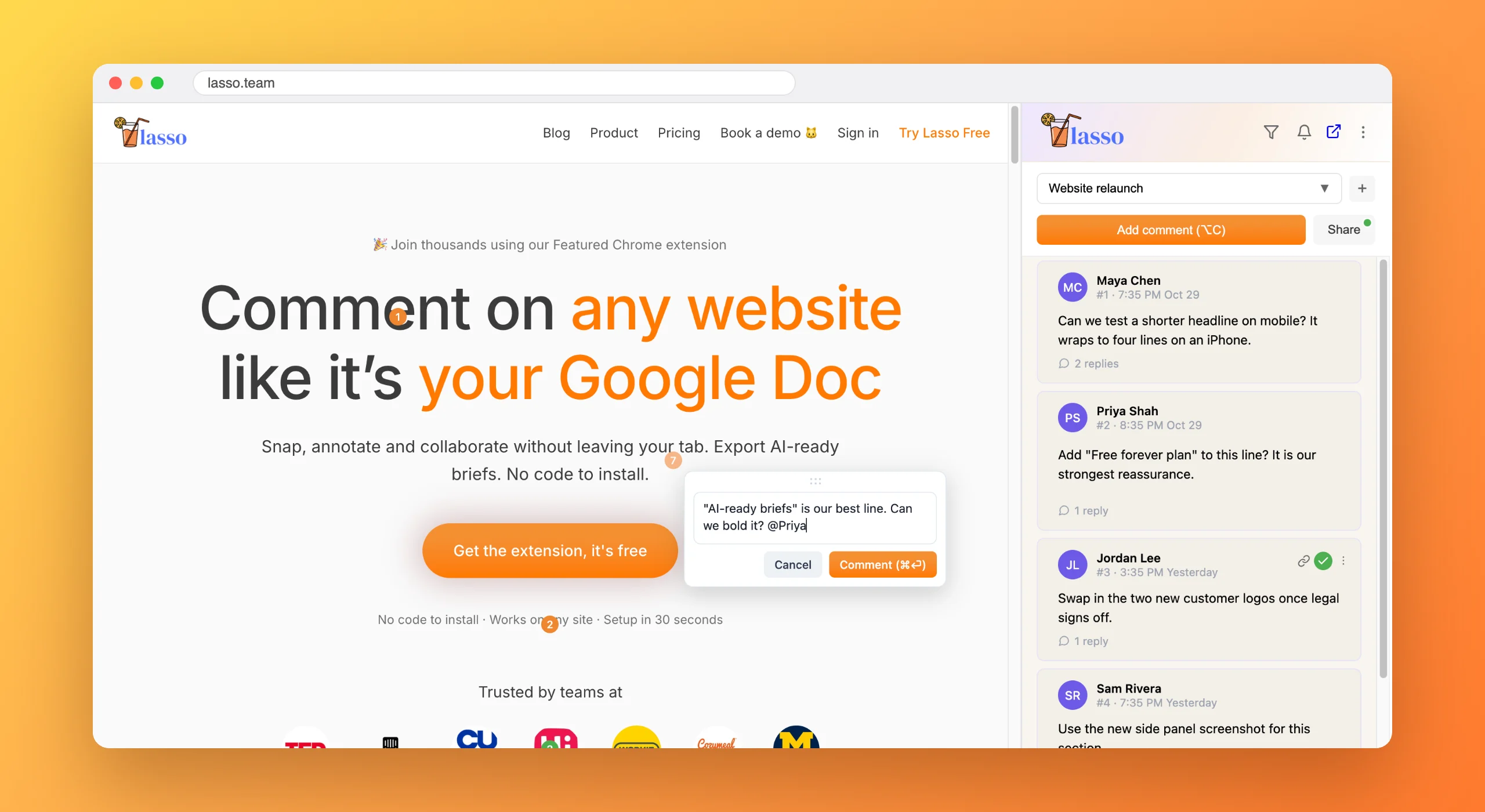
There is nothing to install on the page. If it opens in Chrome, you can comment on it.

Agencies
Lasso runs in the browser, so it works on your client’s live site, their staging server and the competitor they keep mentioning, without a script or a developer.
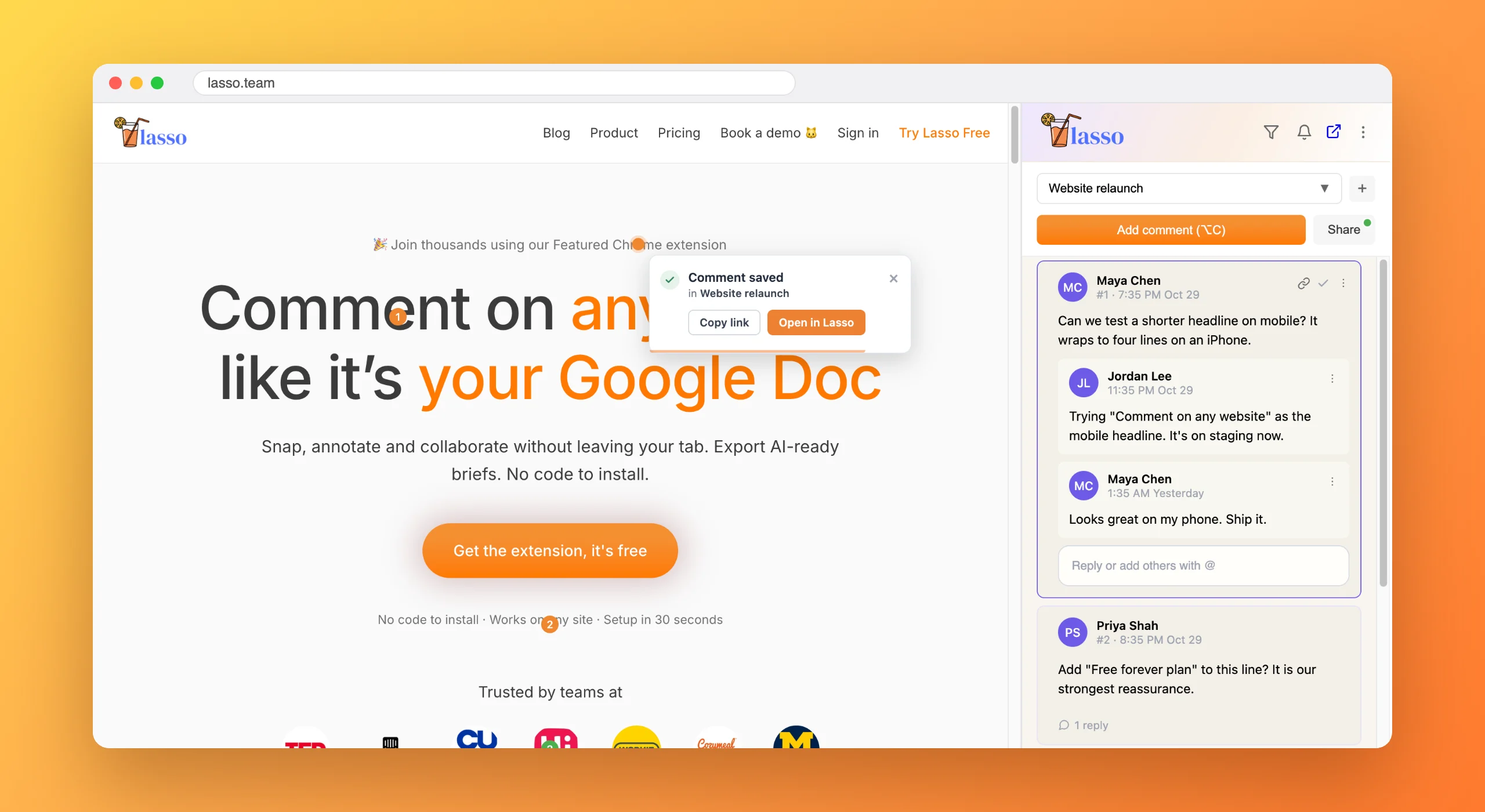
Client feedback tends to arrive as a numbered list in an email, with screenshots attached and none of them labelled. Half of it is about a version of the page you already changed.
Most feedback tools want a script on the site first, which is a hard ask when the site belongs to your client.
There is nothing to install on the page. If it opens in Chrome, you can comment on it.
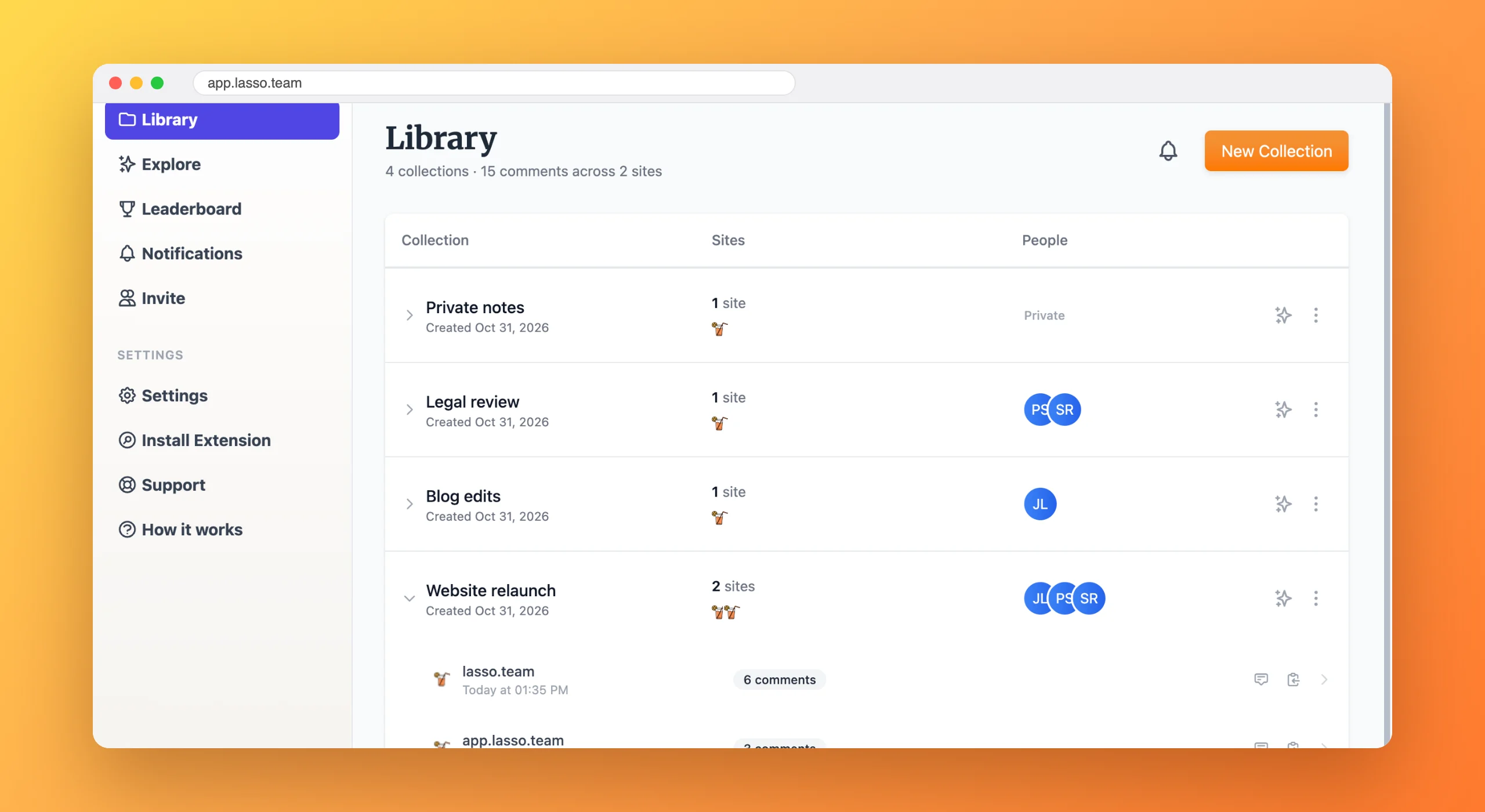
Keep each client’s feedback in its own collection, shared with the people working on that account.
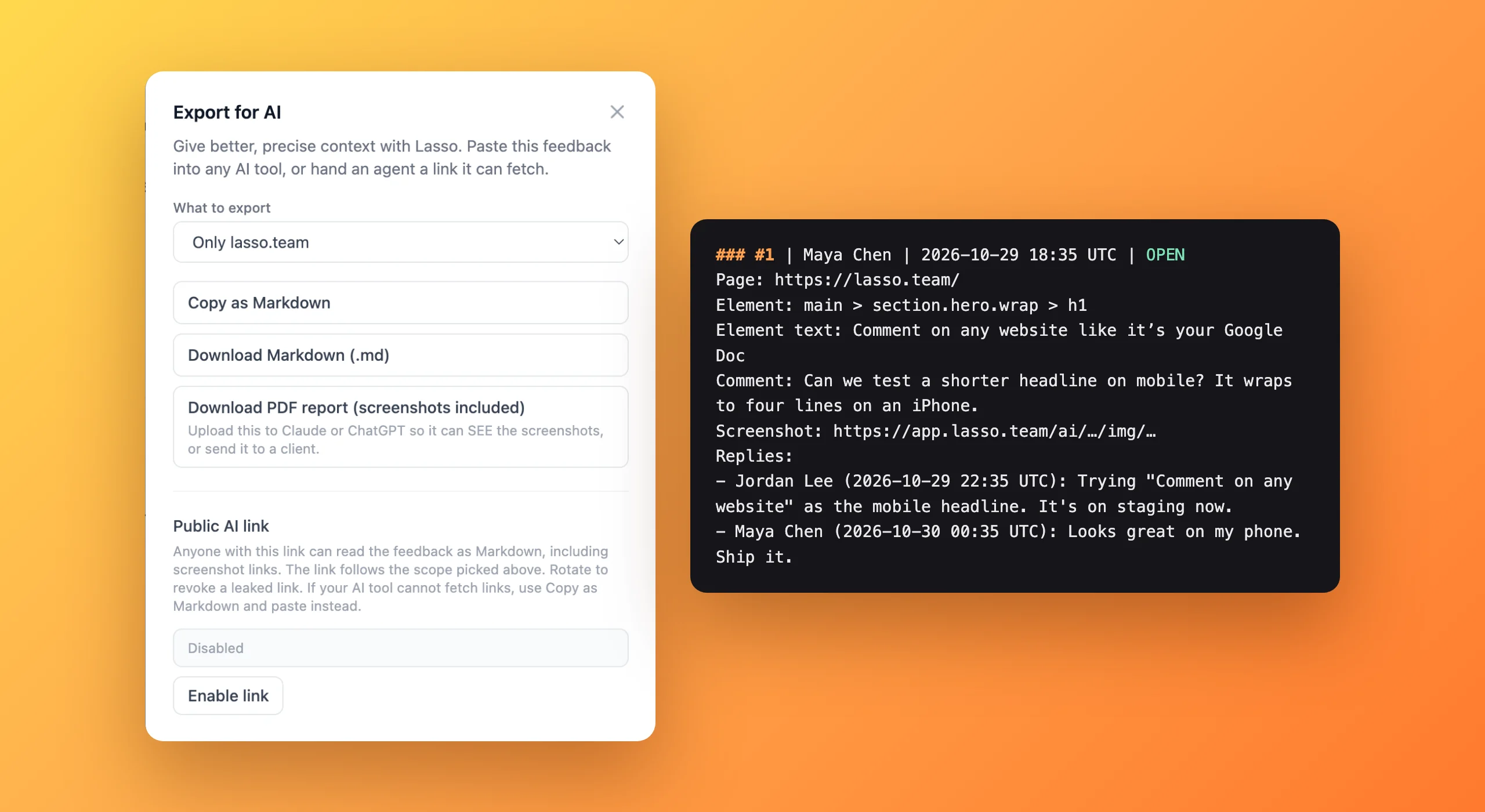
Download a PDF with every comment and screenshot, ready to send to a client or attach to a statement of work.
Feedback rounds close faster when every note points at something specific.
You stop reconciling three versions of the same request from email, chat and a call.
Every change has a record of who asked for it and when.
Lasso is a Chrome extension, so it works on any client site, staging server or live page with nothing to install on the website. Your team comments directly on the page and every note keeps a screenshot.
To leave comments, yes. Clients sign up free, install the extension and join your team, and then you share their collection with them. Anyone you send a comment link to can see a preview of it without an account.
Yes. Download any collection as a PDF with every comment and its screenshot, ready to email to a client or attach to a statement of work.
Create one Lasso collection per client or project. Each collection has its own people and its own comments, even when two clients' sites are open in the same browser.

From the blog
6 min read
Free forever plan · No code to install · Every new account gets 14 days of Studio