01
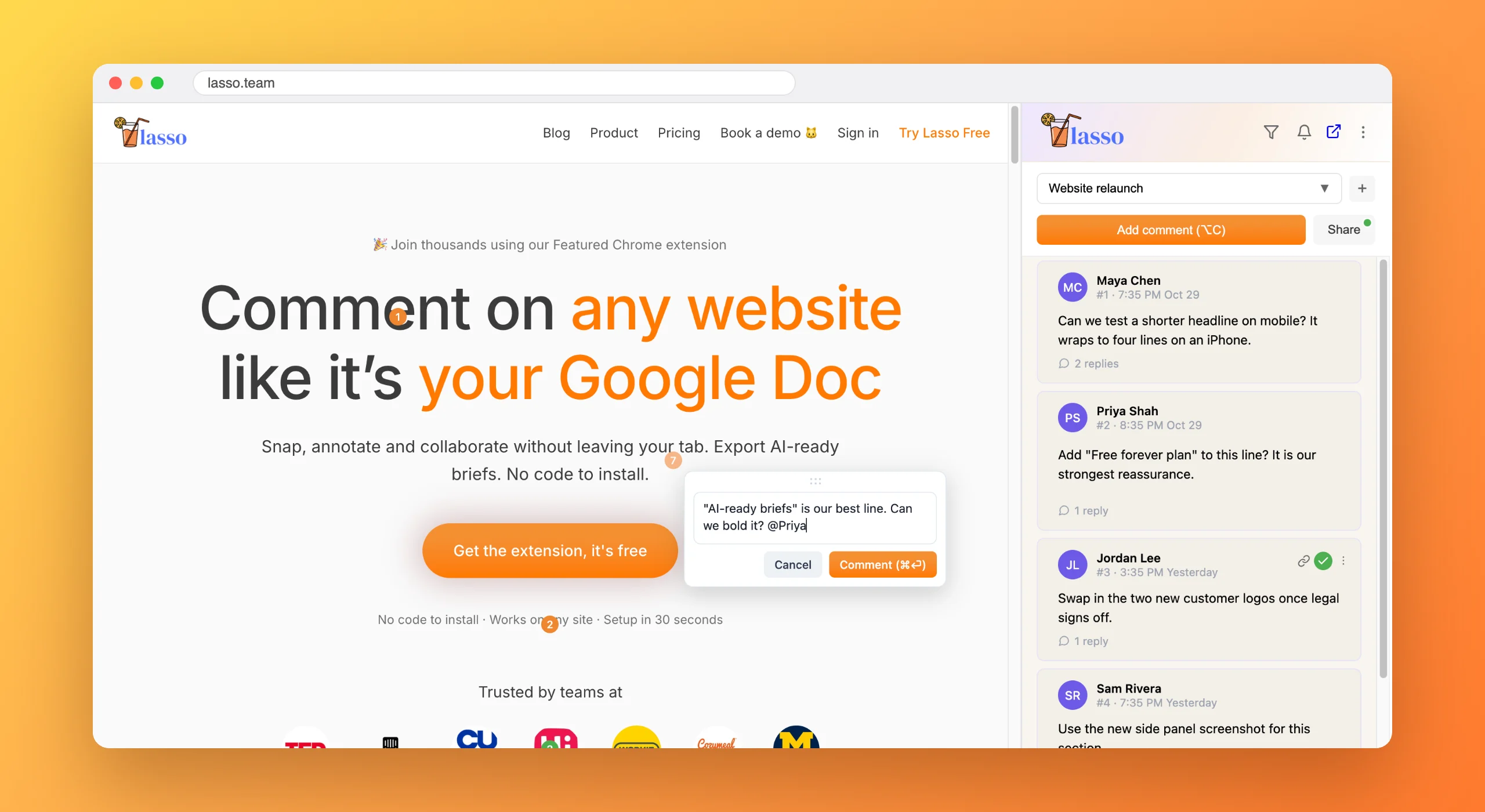
Lasso just the part you like
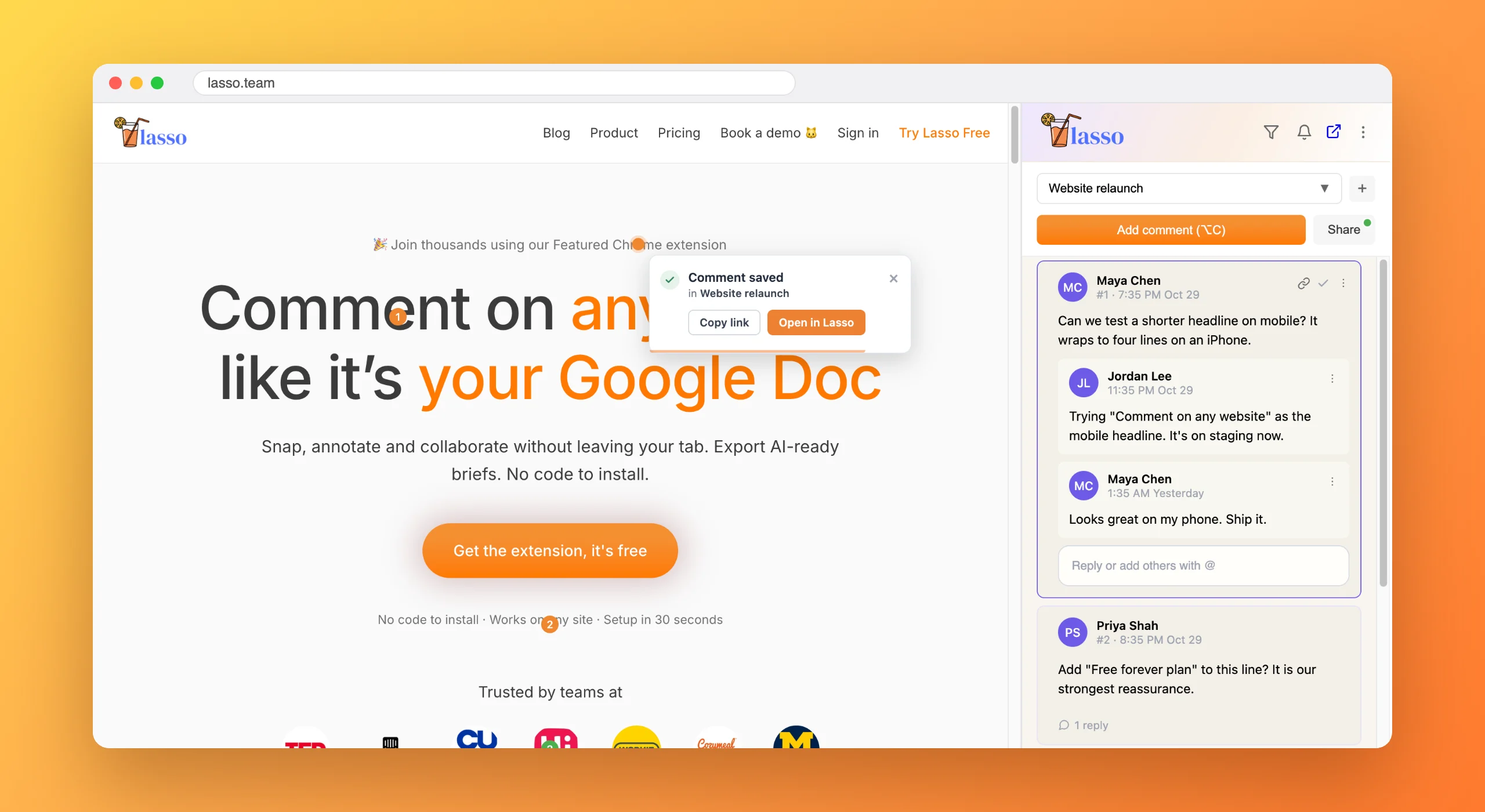
Click a section or drag a rectangle around it. Lasso saves a screenshot of that spot and your note about why it caught your eye.

Collecting inspiration
A bookmark saves a whole page and forgets why. A screenshot gets lost in a folder of a thousand. Lasso saves the exact section you liked, with your note and a screenshot, in a collection you can actually find again.
Everybody has a Downloads folder full of files called Screenshot 2026-03-14 at 11.42.07. Somewhere in there is the pricing table you wanted to show the team. Good luck.
Bookmarks aren't much better. They remember the page, not the clever onboarding step halfway down it, and the page has probably changed since.
Click a section or drag a rectangle around it. Lasso saves a screenshot of that spot and your note about why it caught your eye.
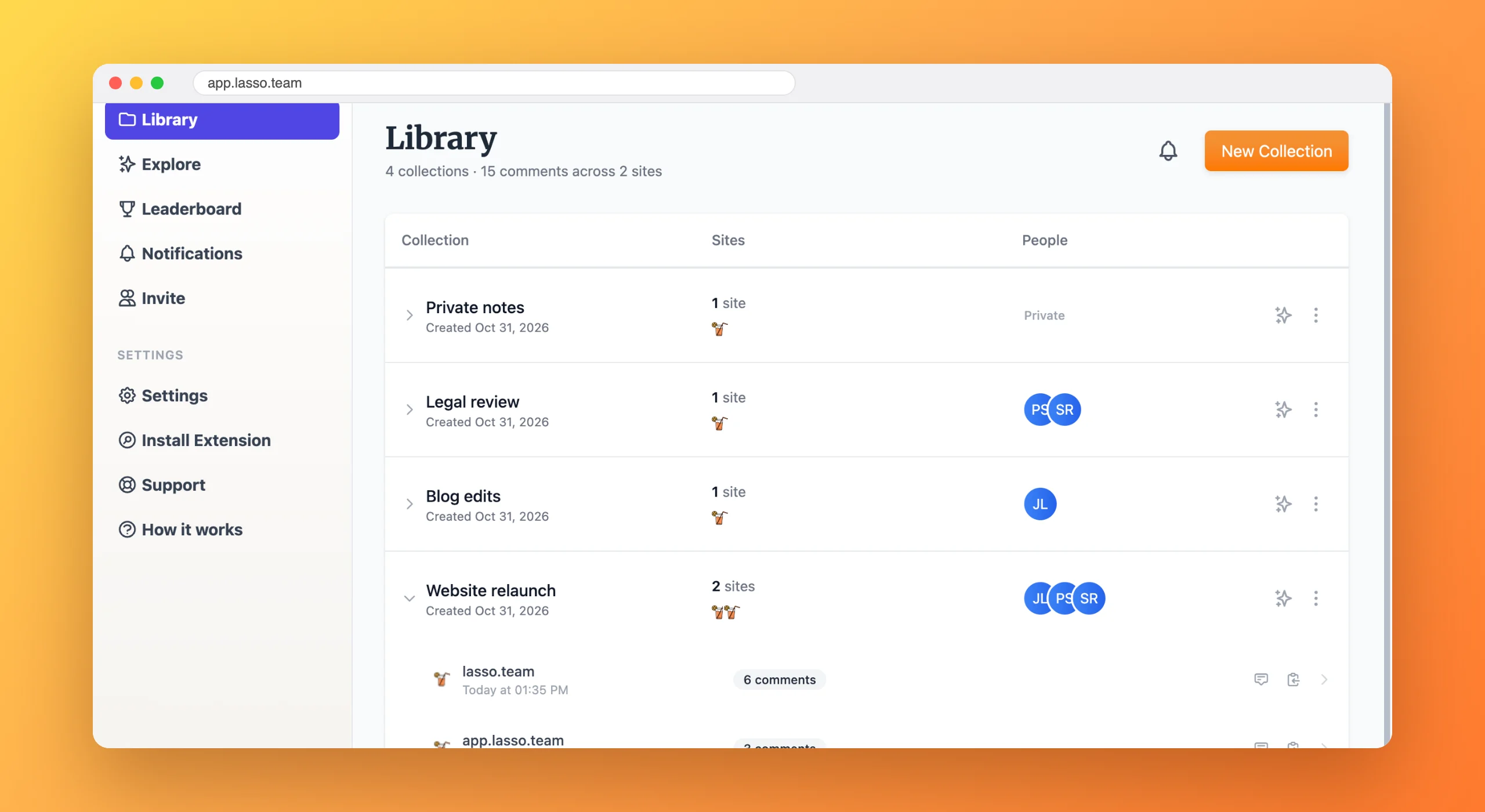
Group finds by project or theme, like onboarding flows, pricing pages or nice empty states. Keep them private or share them with the team.
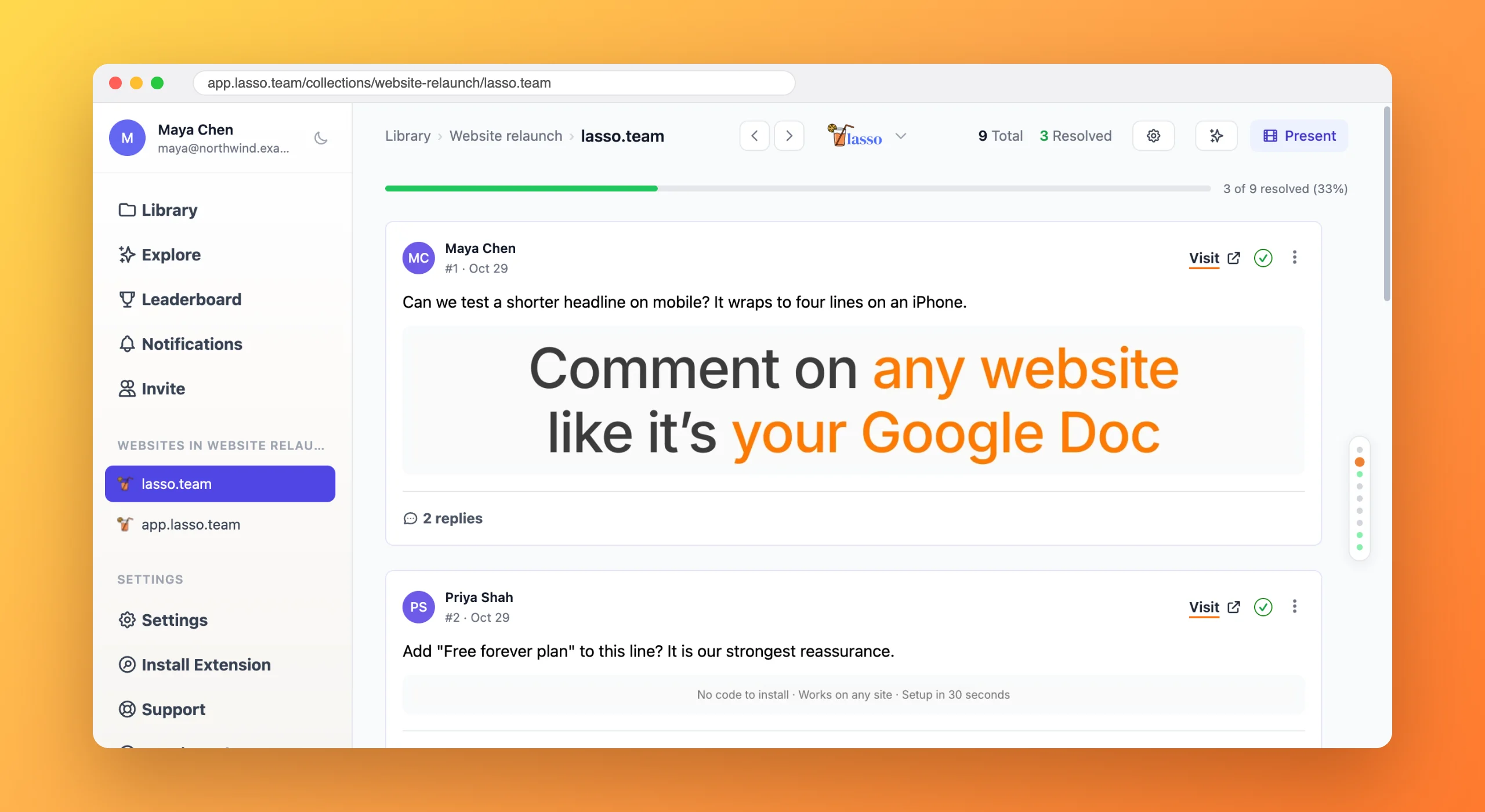
Every saved page sits in your library with a thumbnail and search, and the screenshot stays even if the site changes or disappears.
No more digging through Downloads for the one screenshot you need in a meeting.
Your notes stay with the thing that inspired them.
Mood boards and competitor swipe files become something the whole team can use.
With Lasso you click the section you like, or drag a rectangle around it, and add a note about why. Lasso saves a screenshot of just that part, along with the page link, in a collection you can search later.
For most people, yes. Instead of files called Screenshot at 11.42.07, every saved find has your note, the page it came from and a thumbnail in a searchable library, grouped into collections by theme or project.
Yes. Share a collection with teammates and they can browse every saved find, reply with their own thoughts and add more.
Your saved screenshot stays in Lasso, so you can still see what inspired you even after the site is redesigned or taken down.

From the blog
6 min read
Free forever plan · No code to install · Every new account gets 14 days of Studio