
01
Point at the exact element
Click the card, the icon or the line of text and leave your note right there. Drag a rectangle when you want to talk about an area instead.

Designers
Figma comments are great for the design. The bugs show up in the build. Lasso puts your notes on the live page, exactly where the spacing went wrong.
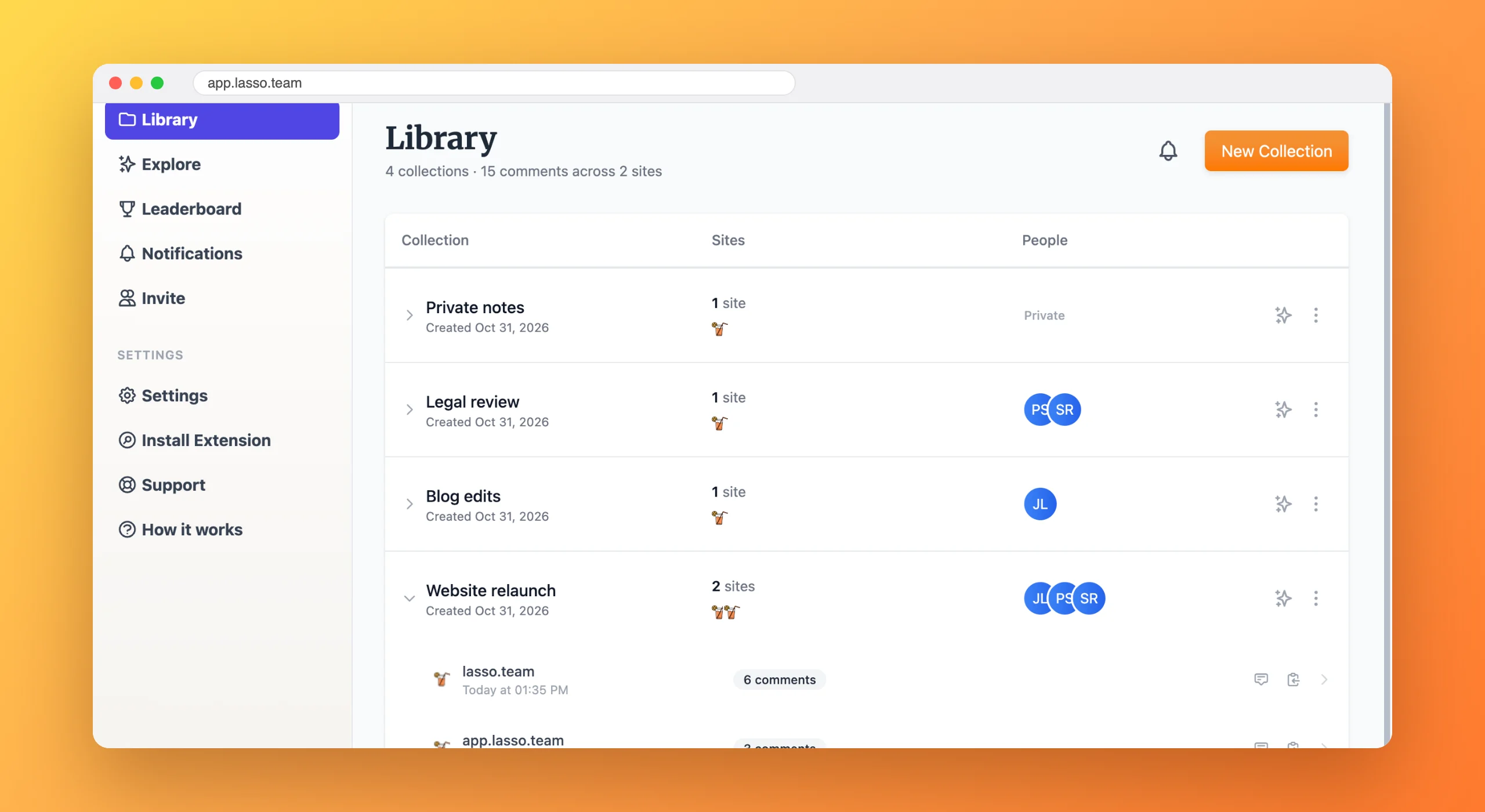
Reviewing a build usually means screenshotting it, drawing boxes in Preview and writing "the padding under the second card looks off" in a channel that scrolls away by lunch.
Developers then have to find the card, guess which padding, and hope the screenshot still matches what they see.
Click the card, the icon or the line of text and leave your note right there. Drag a rectangle when you want to talk about an area instead.
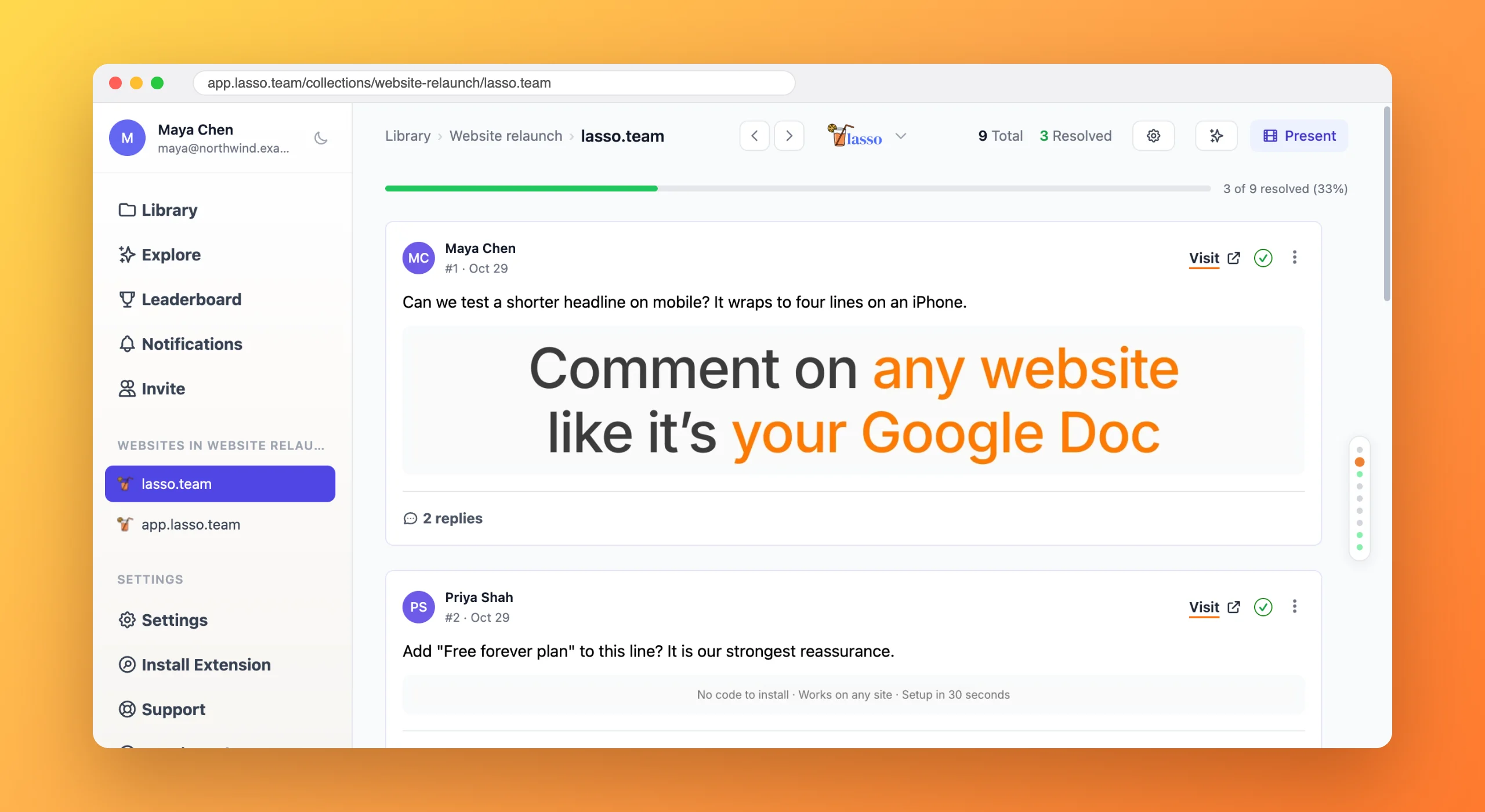
Lasso captures what you saw when you commented, so hover states, open menus and error messages are on record.

Type @ and their name. They get the comment, the element and the screenshot together.
Developers stop asking which element you meant.
Staging reviews happen where the work is, including pages behind a login.
Every design decision keeps its history on the page it shaped.
Install the Lasso extension, open the live or staging build and click the element that's off. Lasso pins your comment to that element with a screenshot of exactly what you saw, so developers don't have to guess which card or spacing you mean.
Yes. Lasso runs in your own signed-in browser, so it works on staging servers, admin panels and anything else you can open in Chrome, with nothing to install on the site.
Yes. Drag a rectangle around any region of the page and Lasso pins your comment to that area, which is handy for layouts, whitespace and canvas-based content.
Every Lasso comment stores the element's selector, its visible text and a screenshot taken when you commented. Developers click Visit to land on the exact spot, or export the comments for their AI coding tools.

From the blog
6 min read
Free forever plan · No code to install · Every new account gets 14 days of Studio